
The Ultimate Guide to Repurposing a Podcast Episode with Ampliforge
Stop publishing a podcast episode once and forgetting about it. This step-by-step guide shows you how to repurpose one episode into a full content marketing system using Ampliforge.
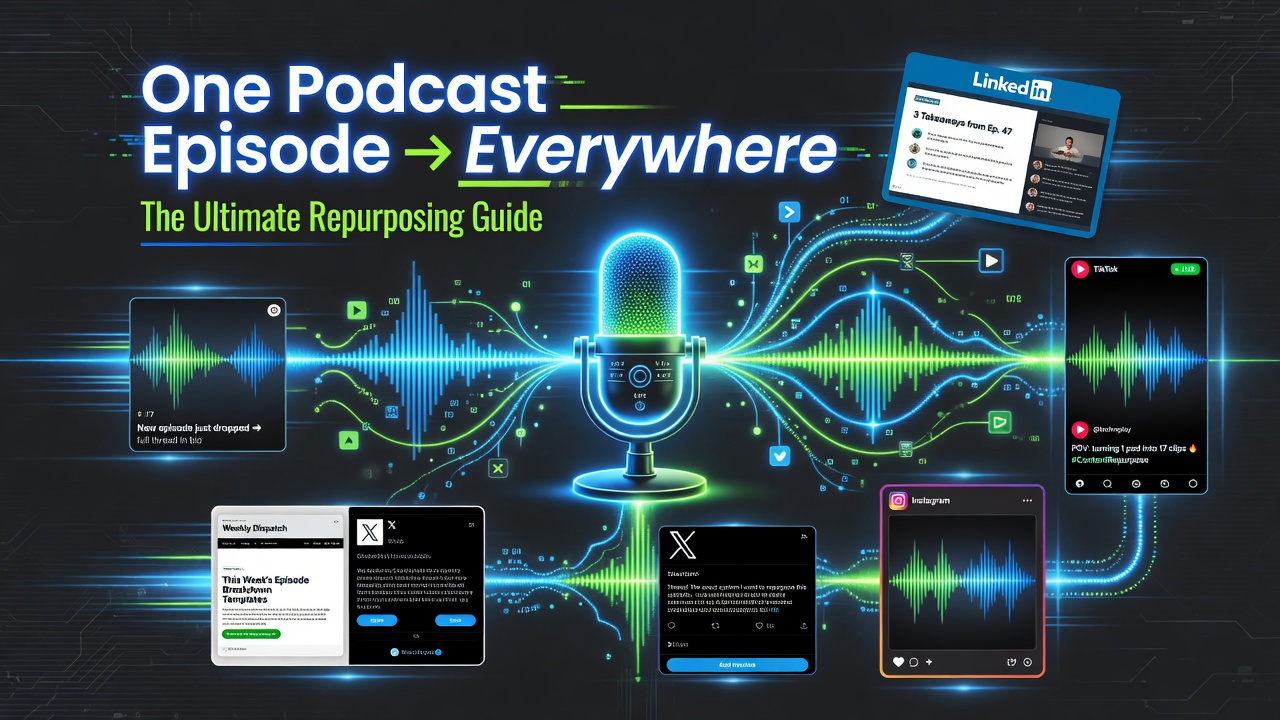

The Ultimate Guide to Repurposing a Podcast Episode with Ampliforge
You spent hours recording a great podcast episode. Don’t let it only reach the people who listen to the full thing. With Ampliforge, you can turn one episode into weeks of content across every major platform.
Step-by-Step Podcast Repurposing System
Step 1: Upload Your Episode
Upload the audio file or paste the YouTube/Spotify link. Ampliforge will extract the transcript and deeply analyze the key points, stories, and insights.
Step 2: Set Your Brand Voice
Choose or refine your voice settings (fun + friendly yet professional). This ensures every asset sounds like you, not generic AI.
Step 3: Generate Your 12+ Assets
In seconds you’ll receive:
- LinkedIn carousels (3–5 slides)
- Viral X/Twitter threads
- TikTok & YouTube Shorts scripts with hooks
- Instagram captions with emojis & CTAs
- Pinterest pin designs + copy
- Newsletter version of the episode
- Email sequence to promote the full episode
Step 4: Review & Refine
Quickly review the first batch. Use the refine feature to tweak tone, add more humor, or make certain assets more promotional.
Step 5: Schedule & Publish
Turn one episode into 2–3 weeks of consistent, high-quality content across all platforms.
Pro Strategies for Podcast Repurposing
- Generate multiple versions of the same episode (one educational, one motivational, one promotional)
- Pull out the best 60-second soundbites for Shorts and TikTok
- Create a “Best Of” carousel from your top 5 episodes
- Use newsletter summaries to grow your email list
Real Results
Creators using this system report 3–5x more reach from each episode and significantly higher engagement because the content feels personal and authentic.
Ready to Get More From Every Episode?
Turn your podcast library into a powerful content engine.
Start Repurposing Your PodcastFrequently Asked Questions
How long does it take to repurpose one episode?
Most users get a full set of assets in under 60 seconds.
Do I need video for this to work?
No. Audio files and YouTube/Spotify links work excellently.
One episode. Multiple platforms. Maximum impact.