
How to Turn One Webinar or Workshop into a Month of Content with Ampliforge
A webinar should not be a one-day event. Here’s how to turn one live session into weeks of LinkedIn posts, short-form scripts, emails, and more — without rewriting everything by hand.
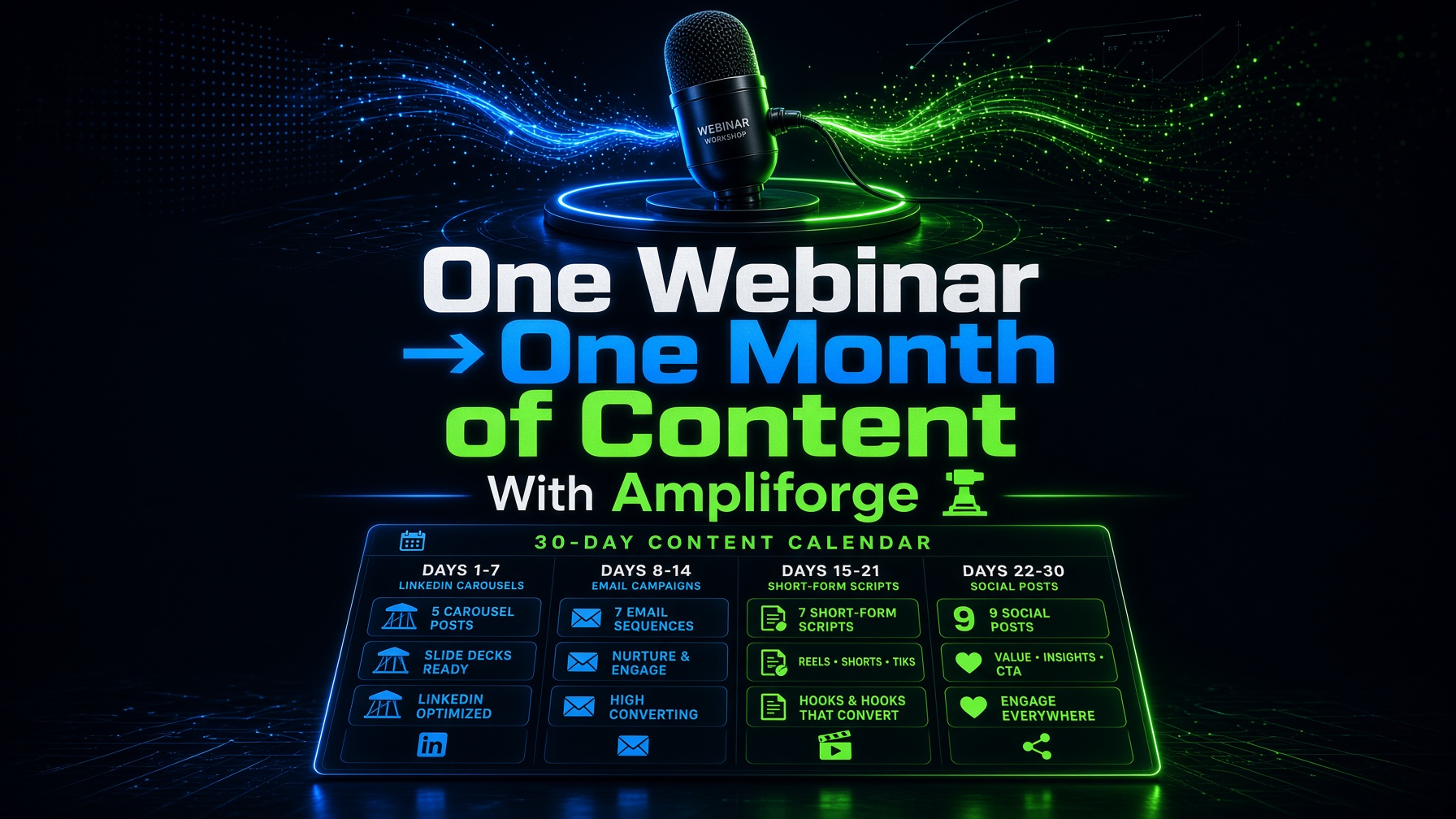

How to Turn One Webinar or Workshop into a Month of Content with Ampliforge
Most webinars and workshops disappear after the live session ends. That is a massive waste. One strong teaching session already contains stories, frameworks, objections, and proof — everything you need for weeks of content.
Why Webinars Are Content Gold
A live workshop is packed with usable material: opening hooks, teaching points, audience questions, case studies, and closing CTAs. The hard work already happened. The next step is distribution.
The 30-Day Webinar Repurposing Plan
Week 1: Highlight the Best Moments
Upload the webinar audio, transcript, or source file. Generate short hooks, key takeaways, and “best moment” posts for LinkedIn, Instagram, X, and TikTok or YouTube Shorts scripts.
Week 2: Teach the Framework
Turn the core method from the workshop into carousels, threads, and newsletter summaries. This is where authority content lives.
Week 3: Answer Objections and Questions
Use the Q&A portion to create FAQ posts, myth-busting threads, and email follow-ups that feel personal and useful.
Week 4: Convert Attention into Action
Generate promotional posts, reminder emails, and lead-magnet versions that invite people to watch the replay, book a call, or join your next offer.
What to Upload After a Workshop
- Audio recording of the session
- Transcript or speaker notes
- Slide text exported as a document or PDF
- A public replay link when captions or a transcript are available
Stop Letting Great Sessions Disappear
Turn one webinar into a full month of authentic content.
Start Using AmpliforgeFrequently Asked Questions
Do I need the full video file?
No. Audio, text, PDFs, documents, and eligible links are enough for Ampliforge to generate assets.
Can I keep my teaching voice intact?
Yes. That is the point. Ampliforge is built to preserve a fun, friendly, and professional brand voice across every format.
Teach once. Publish for weeks.