
How to Perfect Your Brand Voice in Ampliforge for Maximum Authenticity
The secret to great repurposed content isn’t just speed — it’s authenticity. Here’s how to master your brand voice settings in Ampliforge for consistently human, on-brand results.
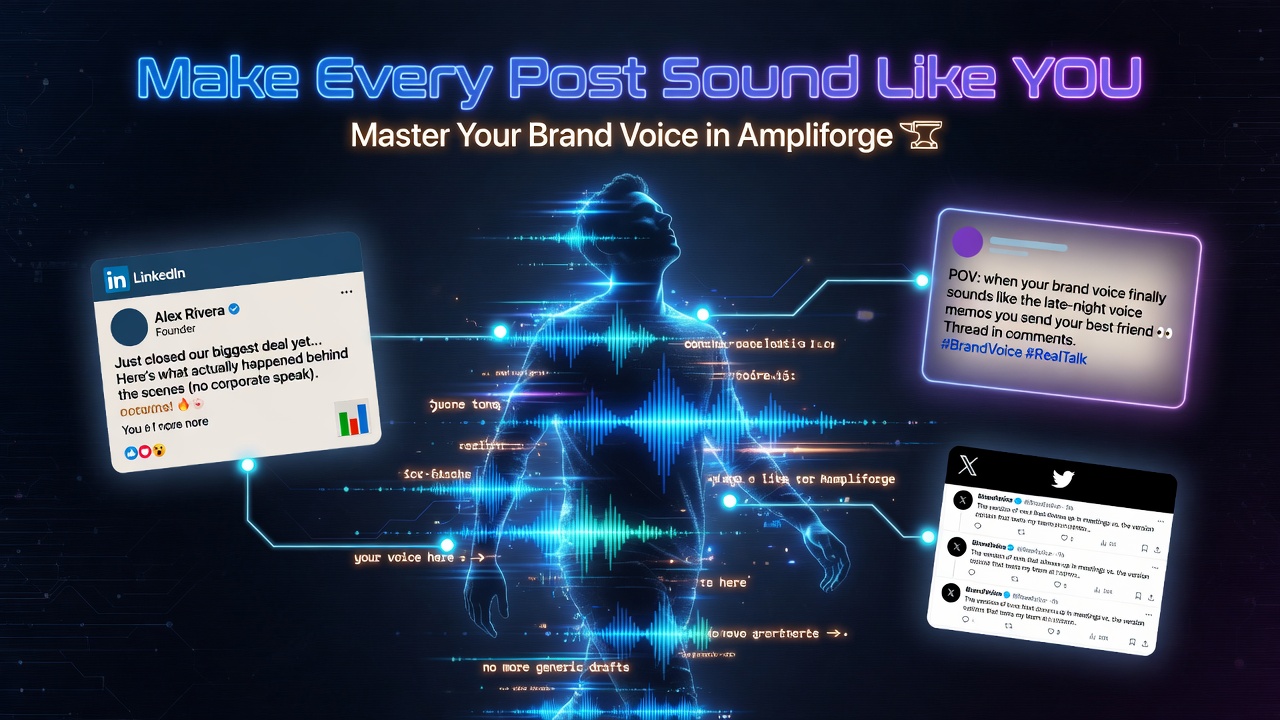

How to Perfect Your Brand Voice in Ampliforge for Maximum Authenticity
Speed is great — but if your repurposed content doesn’t sound like you, it can actually hurt your brand. Here’s how to master Ampliforge’s brand voice system so every output feels 100% authentic.
Why Brand Voice Matters More Than Ever
In 2026, audiences are highly sensitive to robotic AI content. When your posts, threads, and captions sound inauthentic, engagement drops and trust erodes. Ampliforge was built specifically to solve this problem.
Step-by-Step: How to Set Your Perfect Brand Voice
1. Start with a Clear Voice Description
When setting up your voice, be specific. Instead of just saying “professional”, try:
"Fun + friendly yet professional, like Jay Judd. Warm tone, practical advice, occasional light humor, encouraging, speaks directly to the reader."
2. Give Examples of Your Style
Upload 2–3 pieces of content you’ve already written that best represent your voice. Ampliforge learns faster when it has strong reference material.
3. Use the Refinement Tool
After your first generation, you’ll see a “Refine Voice” option. Use it to give feedback like:
- “Make it warmer and more conversational”
- “Add more personal stories”
- “Use more emojis in Instagram/TikTok assets”
- “Sound more authoritative on LinkedIn”
4. Create Voice Templates
Save different voice profiles for different purposes (e.g., “Podcast Promotion”, “Thought Leadership”, “Sales-Focused”).
Pro Tips for Best Results
- Always review the first 1–2 generations and refine immediately
- Be consistent with the voice description you use across sessions
- Upload recent content you love as reference material
- Use custom instructions per generation for fine-tuning (e.g., “Make this more motivational”)
The Results You Can Expect
Creators who master their brand voice in Ampliforge report significantly higher engagement, stronger audience connection, and more conversions — because their content finally sounds like them across every platform.
Ready to Sound Like YOU Everywhere?
Stop settling for robotic AI content.
Perfect Your Voice in AmpliforgeFrequently Asked Questions
How long does it take for Ampliforge to learn my voice?
Most users see excellent results after 2–3 refined generations.
Can I have multiple brand voices?
Yes — you can create and switch between different voice profiles.
When your content sounds like you, your audience feels it.